First, someone in the agile camp actually reads the original description on ‘Waterfall’ from 1970. Surprise – it is really really close to agile. This is a great read. Hopefully, this will end a lot of the debates on terminology and focus on the specifics of ‘good process’.
http://polishinggems.blogspot.com/2011/07/why-is-waterfall-model-bad.html
The second key point that is seen here is on how information is transferred from generation to generation. People may think that because technical people are well… technical that they are always assured of using the best practices. The truth is that this is a universal human problem.
The good news is that this is solvable. The mistakes are getting recognized faster. I don’t have any specific data other than my own experience, but I think I can make a strong case.
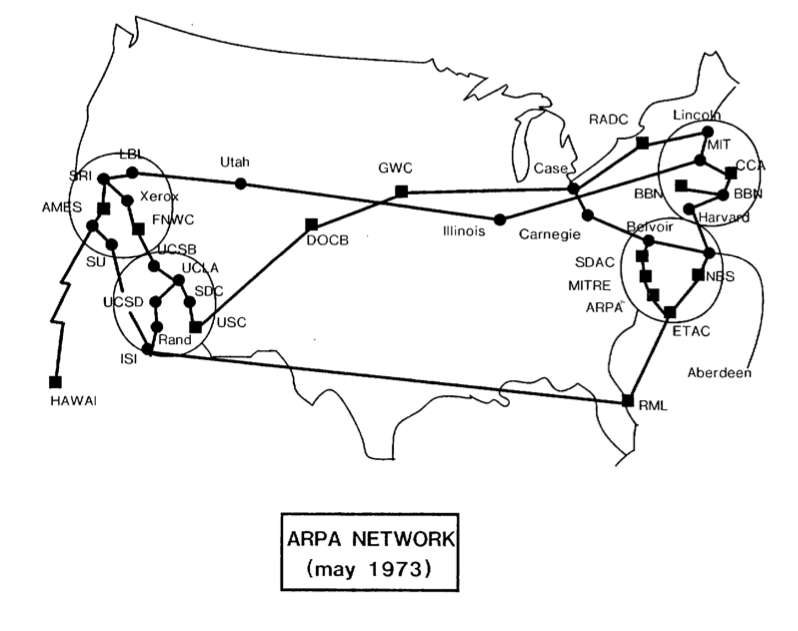
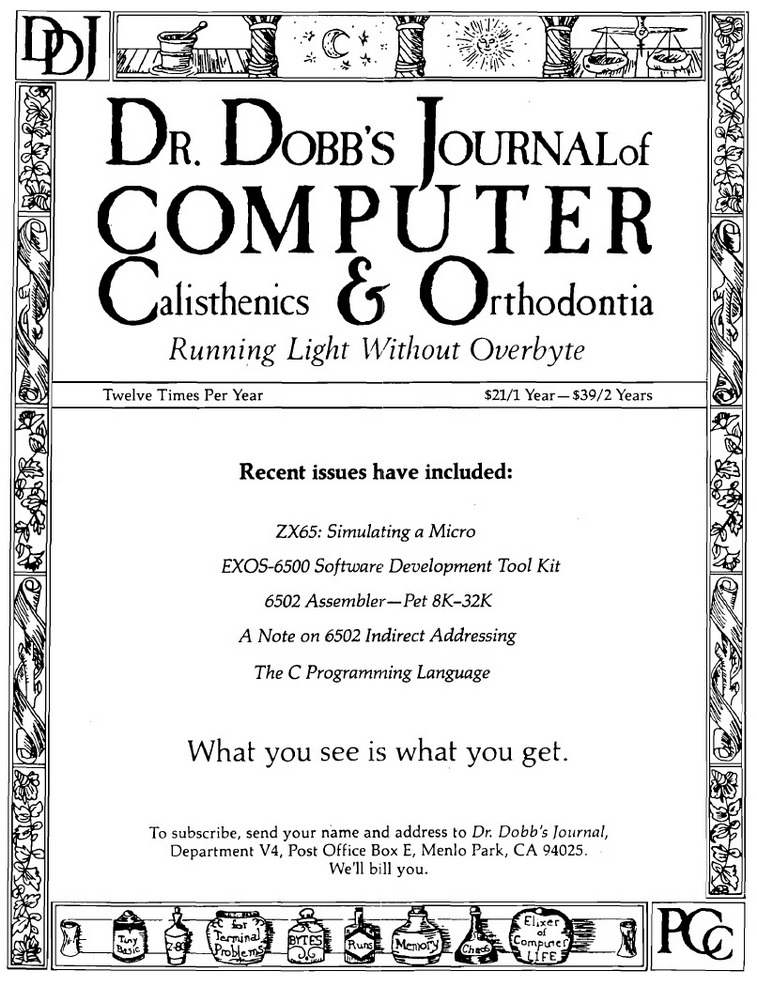
In the 80’s when I needed to see some code or a paper, it just wasn’t possible. There was no way for me to get that journal that cost a lot of money or attend the conference that sponsored it. There was no way for me to spend a thousand dollars on the original berkeley unix tapes (which was at cost), and on top of that have a $10,000 9-track tape reader to get the data off of it. This was general, very few people had great access.
If you heard ‘such and such’ can solve the Y problem, and you trusted that person, that was probably good enough.
Today, we have wikipedia and more and more stuff is ‘online’. This entire problem goes away. For example, I was once interested in a particular Smalltalk technology. In the past I just didn’t have access to the technology. Once the internet made it available, I downloaded the implementation, tried it out, and found it to be very similar to another tech in another language. This took less than an hour. The interesting thing here is that I would talk about this tech to others with amazement. I would think of this tech as a “silver bullet” and talk about as the ‘most impressive thing’. Do you see the failing here?
Another great example is around ‘quotes’. For example, most people know Stewart Brand’s quotation that ‘information wants to be free’. That alone is an interesting meme. Yet, the full context is much more valuable and relevant:
http://en.wikipedia.org/wiki/Informationwantstobefree
(yes, I just used recursion, not intentional)
If access to good information continues to happen, I think new structures will emerge around information that have not existed before. These structures will allow us to be a bit more knowledgable about the ‘why’ of something vs. just indoctrinating systems.
Thank you internet.